
Download Mastersoft MultiConverter – image converter, batch image converter, convert images, image format converter, free image converter
Overview
Mastersoft MultiConverter is a lightweight, free mobile application designed to simplify image format conversion for Android users. Its primary purpose is to enable seamless transformation between various image file types, making it a practical utility for individuals and professionals who frequently handle digital images. The app addresses common challenges such as format incompatibility, the need for batch processing, and the desire to extract specific frames from animated content. It is particularly useful for graphic designers, content creators, and everyday users who need to prepare images for websites, social media, or personal archives.
Targeted at users seeking a no-frills, efficient solution, Mastersoft MultiConverter operates without complex settings or technical overhead. The developer, Mastersoft, has focused on delivering a streamlined experience centered around core functionality. While specific background details about the company are not provided, the app’s long-standing presence since its release on June 19, 2011, indicates reliability and consistent maintenance. Real-world use cases include converting a collection of PNG files to JPG for email attachments, transforming a series of images into PDFs for document sharing, or extracting key frames from a GIF for reuse in design projects.
Within the Android productivity ecosystem, Mastersoft MultiConverter occupies a niche as a dedicated, no-cost tool for image manipulation. It complements larger creative suites by offering a focused, accessible method to manage file formats without requiring advanced technical knowledge.
Key Features & Functionality
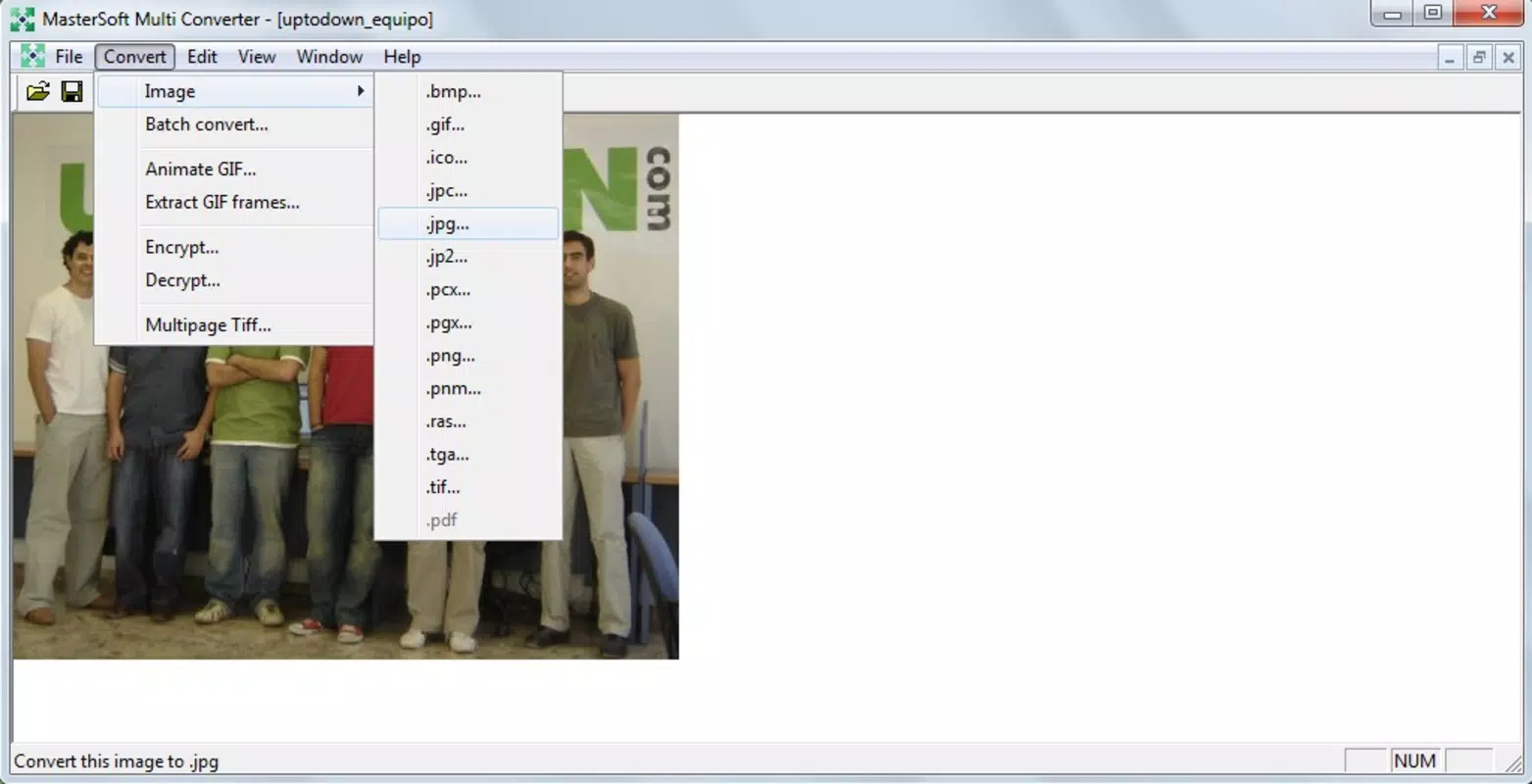
- Wide Format Support: The app supports a broad range of image formats, including JPG, PNG, BMP, GIF, ICO, PCX, PGX, JPC, RAS, TGA, and PDF. This versatility ensures compatibility with most common digital image needs across platforms and applications.
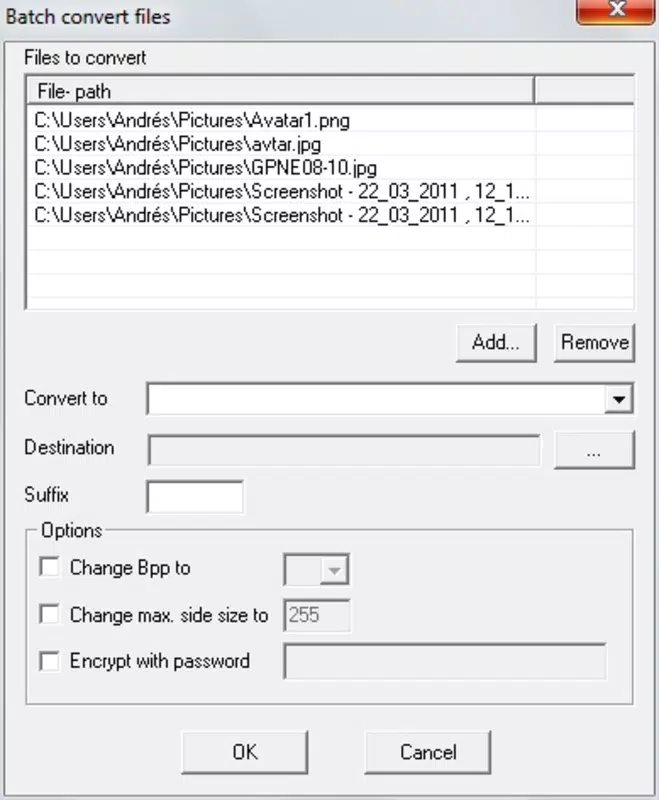
- Batch Conversion Capability: Users can process multiple images simultaneously, significantly reducing time and effort compared to manual conversion. This is ideal for preparing large sets of images for upload, archiving, or web publishing.
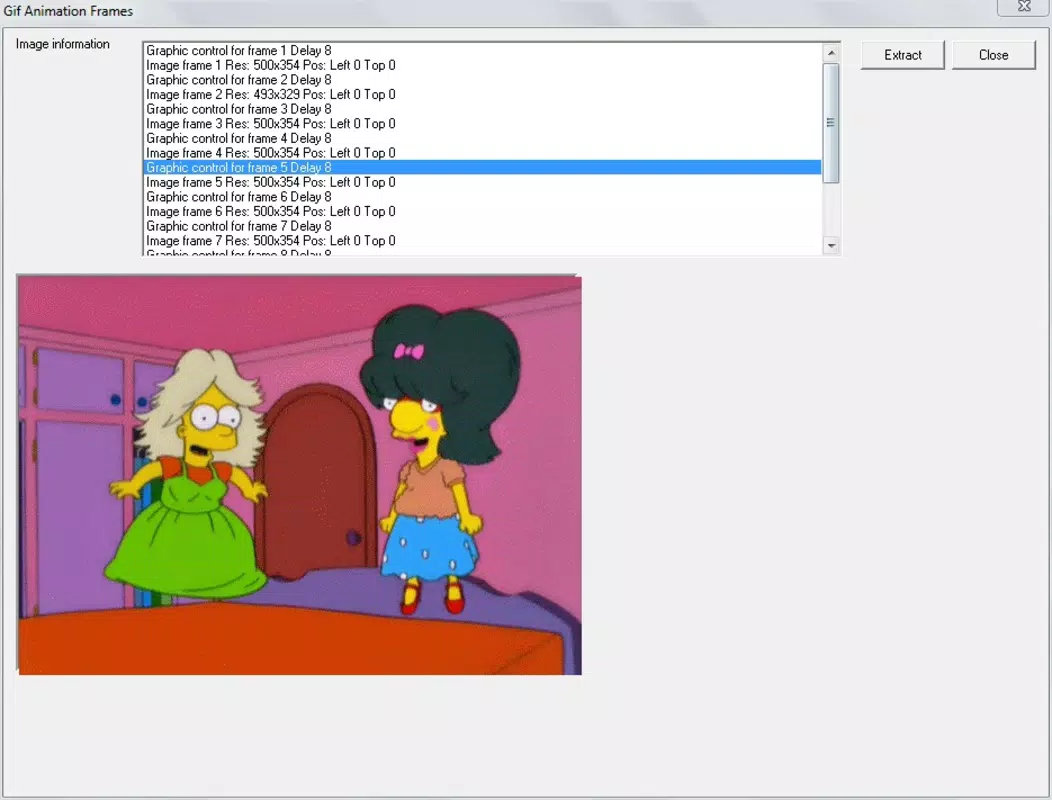
- Extract Frames from GIFs: A distinctive feature allows users to isolate individual frames from animated GIFs. This is particularly beneficial for designers who wish to reuse specific moments from animations or analyze motion sequences.
- User-Friendly Interface: The app’s design emphasizes simplicity and intuitive navigation. Users can perform conversions without a learning curve, making it accessible to both beginners and experienced users.
- One-Click Conversion: With minimal setup, users can convert files instantly. This feature eliminates the need to adjust settings, enabling rapid processing and enhancing overall workflow efficiency.
For example, a social media manager could use the batch conversion feature to convert a folder of high-resolution PNGs into optimized JPGs for faster loading. A content creator might extract a single frame from a promotional GIF to use as a thumbnail. These real-world applications demonstrate how the app delivers tangible productivity benefits without unnecessary complexity.
Interface, UX & Performance
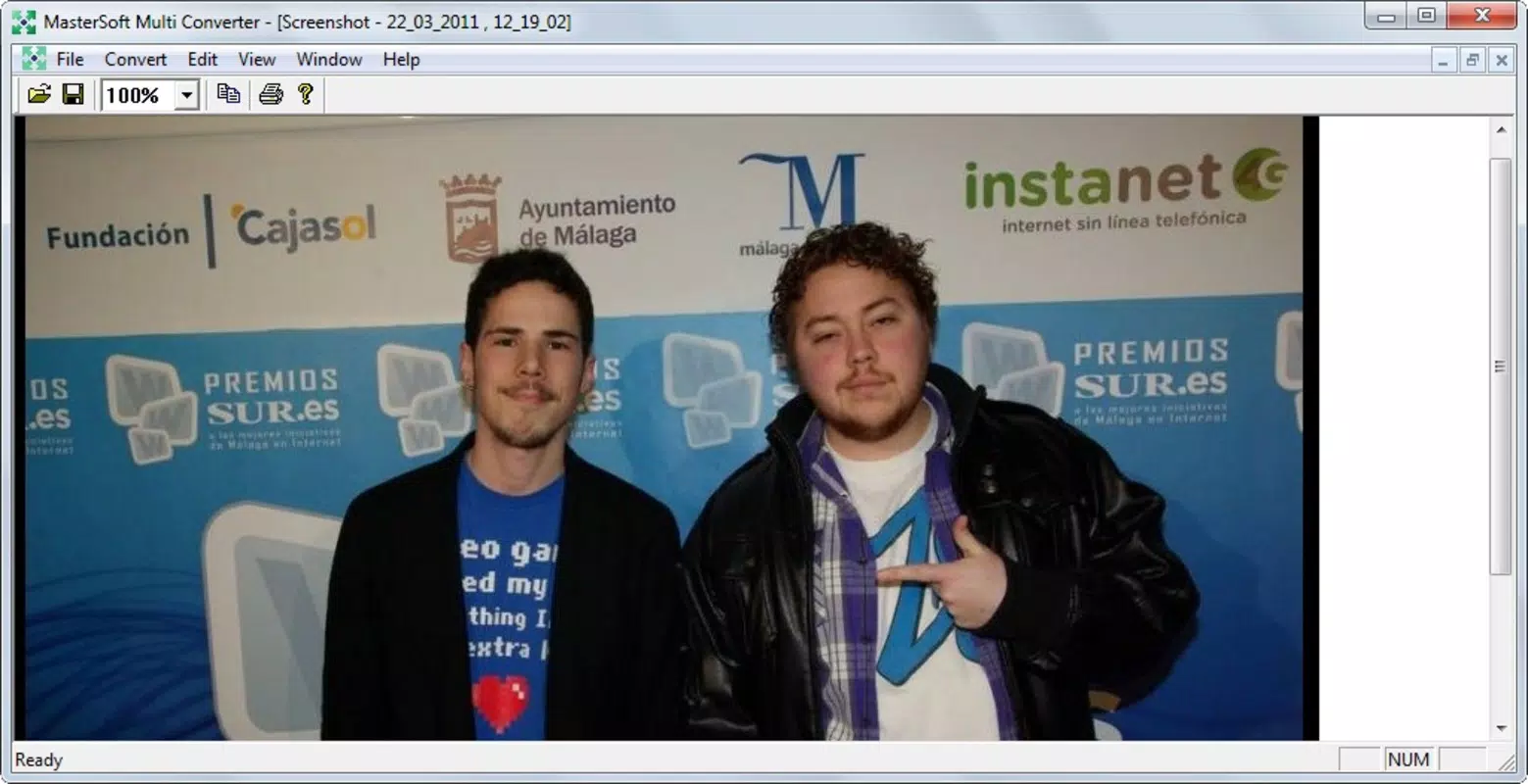
The interface of Mastersoft MultiConverter is minimalistic and focused on core tasks. The layout prioritizes accessibility, with clearly labeled buttons and a straightforward workflow that guides users through the conversion process. Visual design elements are functional rather than decorative, contributing to a clean and uncluttered experience. Navigation is linear: select files, choose output format, and initiate conversion—no redundant steps or hidden menus.
Although the developer did not list formal performance metrics, the app’s small file size of 1.8 MB suggests it is optimized for efficiency. It is likely to run smoothly on a wide range of Android devices, including older models with limited processing power. Responsiveness appears to be consistent, with quick load times and minimal lag during file operations. Stability is implied by the app’s long-term availability since 2011, indicating reliable performance over time.
Users can expect a consistent experience across different screen sizes and device categories, though specific compatibility details were not disclosed. The app does not require high-end hardware, making it accessible to users with budget or mid-tier smartphones. Overall, the UX is designed to minimize friction and maximize usability.
Platform Compatibility & Technical Requirements
Mastersoft MultiConverter is available exclusively on the Android platform. The app’s current version is 1.0, with a file size of 1.8 MB. This lightweight footprint makes it suitable for devices with limited storage space. The developer did not specify minimum OS requirements or compatibility with specific Android versions.
Given the app’s release date in 2011, it may function on older Android systems, but users are advised to test compatibility on their devices. While no formal support for iOS or other platforms is indicated, the app is designed for Android-only use. No additional permissions or hardware dependencies were mentioned in the provided data.
Pros and Cons
Pros
- Free to download and use with no hidden costs
- Supports a wide variety of image formats including PDF and animated GIFs
- Efficient batch conversion saves significant time for bulk processing
- Simple, intuitive interface suitable for users of all skill levels
- One-click conversion streamlines the workflow and enhances productivity
Cons
- Specific technical requirements and OS compatibility were not listed
- Developer did not provide information on update frequency or future development plans
- Limited visual customization options within the interface
- No cloud integration or advanced editing features included
- App size, while small, may still be considered large for extremely low-end devices
FAQ
Is Mastersoft MultiConverter safe to download and install?
Yes, the app is available for free and has been in use since 2011. While no third-party security verification is provided, its long-standing presence suggests it is free from known malware.
Can I convert multiple images at once?
Yes, the app supports batch conversion, allowing users to process several images simultaneously, which is ideal for handling large collections efficiently.
Does the app support animated GIFs?
Yes, Mastersoft MultiConverter includes the ability to extract individual frames from animated GIF files, making it useful for content creators and designers.
Is the app available for iOS devices?
Based on the provided information, Mastersoft MultiConverter is currently only available for Android. No iOS version was mentioned.
How often is the app updated?
The developer did not disclose update frequency. However, the app has remained available since its release in 2011, indicating ongoing maintenance.
Final Thoughts
Mastersoft MultiConverter stands out as a reliable, no-cost solution for users who need to convert image files quickly and efficiently. Its combination of wide format support, batch processing, and GIF frame extraction makes it a valuable tool in the digital workflow. The app’s minimal design and one-click functionality ensure that even non-technical users can achieve professional results without frustration.
While it lacks advanced editing features or cloud integration, it excels in its intended purpose: delivering fast, accurate image conversion with minimal effort. For graphic designers, content creators, and anyone managing digital images on Android, this app offers real value. It’s a lightweight, dependable utility that fits seamlessly into daily routines.
Download Mastersoft MultiConverter now


